API
API access
Submit an application to request API access. The reference confirms receipt; it is not an access token or a Koder sign-in session. You can use the desktop app without an account.
1 / 2
What the API supports today
- Read
GET /api/public/v1. Account sign-in in that response is Not open. - Submit an application. If it is complete, you get a reference immediately, with the status Received. That is only a receipt.
- Call the authorization address or the token address. Both return Not open, and both say a reference cannot be exchanged for a token.
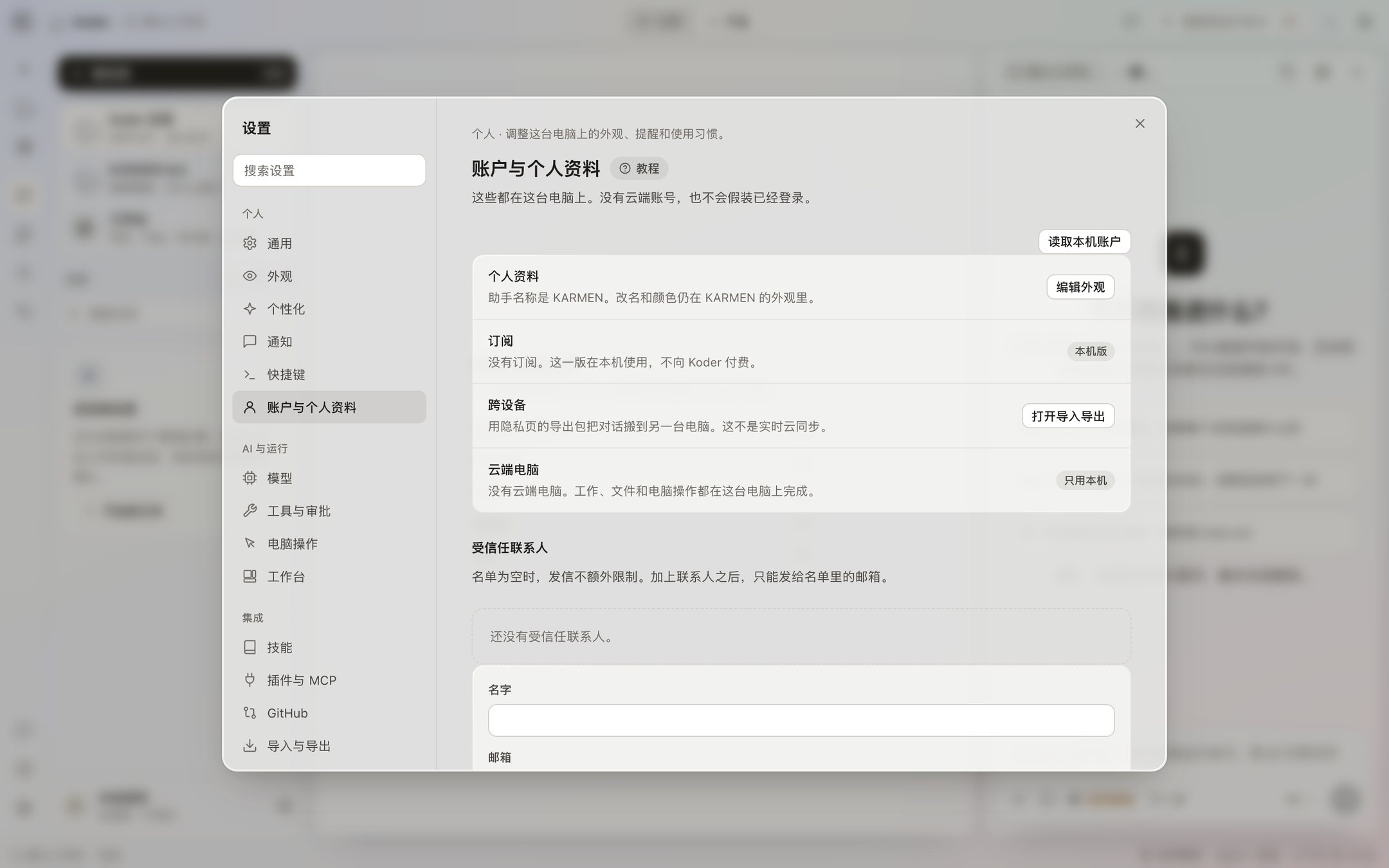
- The app has no account sign-in. The account page says there is no cloud account. There is no web page where this reference signs you into Koder.
Access requires review
The developer docs describe the later order: after a review passes, we email the authorization address, the person confirms in the browser, and they return to the callback you registered. That order does not work yet. While the authorization address returns Not open, do not show people who use your software a sign-in button that looks like it will succeed.
Request fields are documented in the public API reference. This website does not currently provide an application form.
Your application reference
After a successful submit, the reference on the page is the whole thing. It does not show up under Settings → Account and profile, and it does not show up on the models page. Send the reference to the authorization address or the token address and you get Not open, plus one sentence: the reference cannot be exchanged for a token.
Account sign-in isn’t available yet. Until it is, the second half of one-click sign-in can’t complete.